
About PilotAI
What PilotAI is
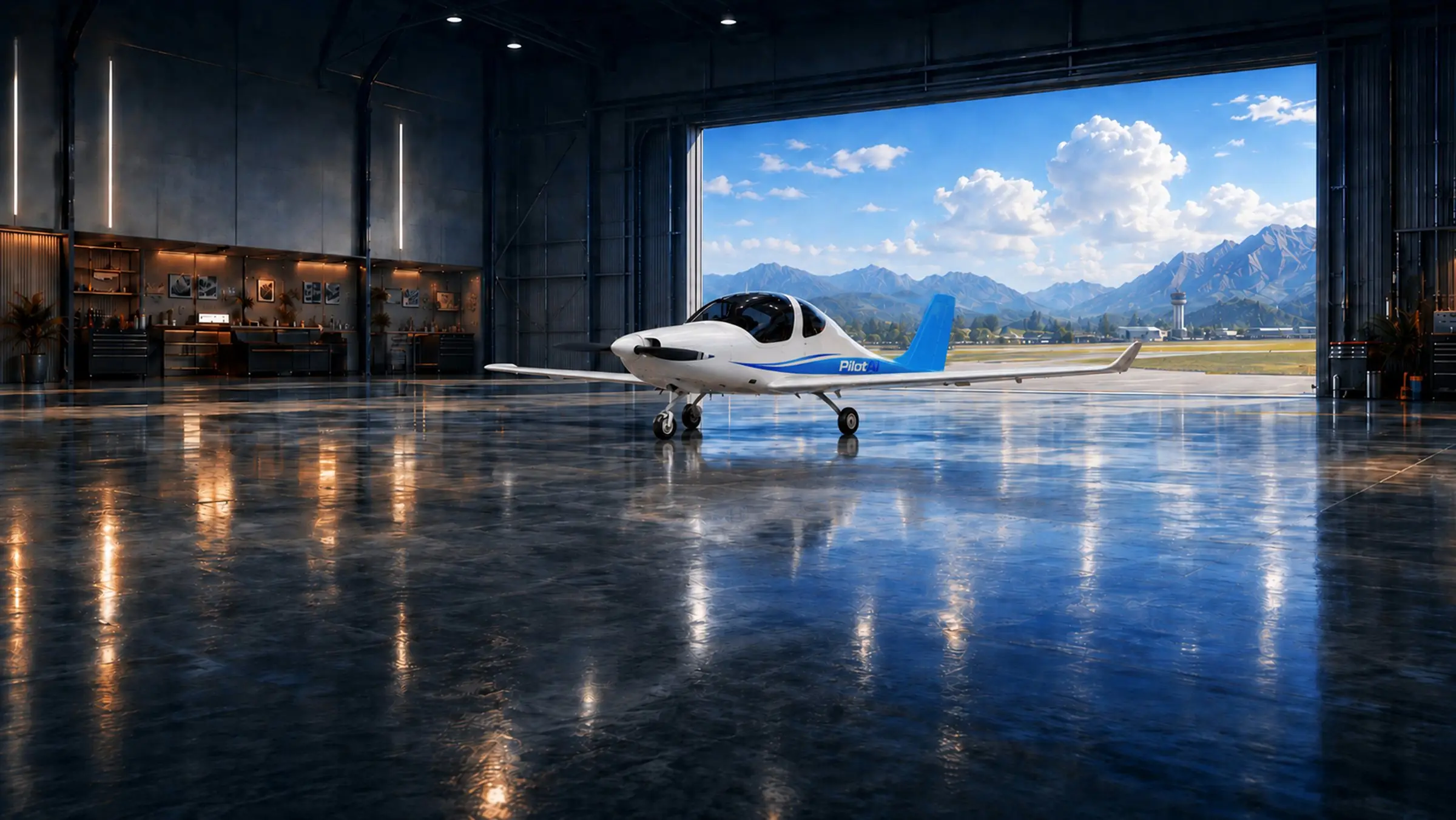
PilotAI is a mobile game that guides you through the stages of pilot training, from your first theory lesson to flying the aeroplane. Instead of simply reading about each stage, you learn by taking part in it.
Who builds it
Built by a CPL-rated pilot
PilotAI was created by a CPL-rated pilot who understands the challenges student pilots face: theory books that feel disconnected from the cockpit, weather reports that look like code, checklists memorised without understanding their purpose, and emergencies that can only be practised a limited number of times in a real aircraft.
PilotAI brings these elements together on your phone and lets you revisit each one until the knowledge and procedures become second nature.
Flight Simulator · Real weather
Real weather in every flight
The sky is not a preset. Every flight is built around a real weather observation recorded at the airfield, 257 so far, including its wind, cloud, visibility and temperature.
One day, you may take off in calm air beneath a clear sky; the next, you may fly a crosswind circuit beneath a low broken cloud layer. The METAR you study in the Briefing Room determines the weather you encounter in flight, just as weather conditions shape real flying.
Flight Simulator · The Instructor
An Instructor who flies with you
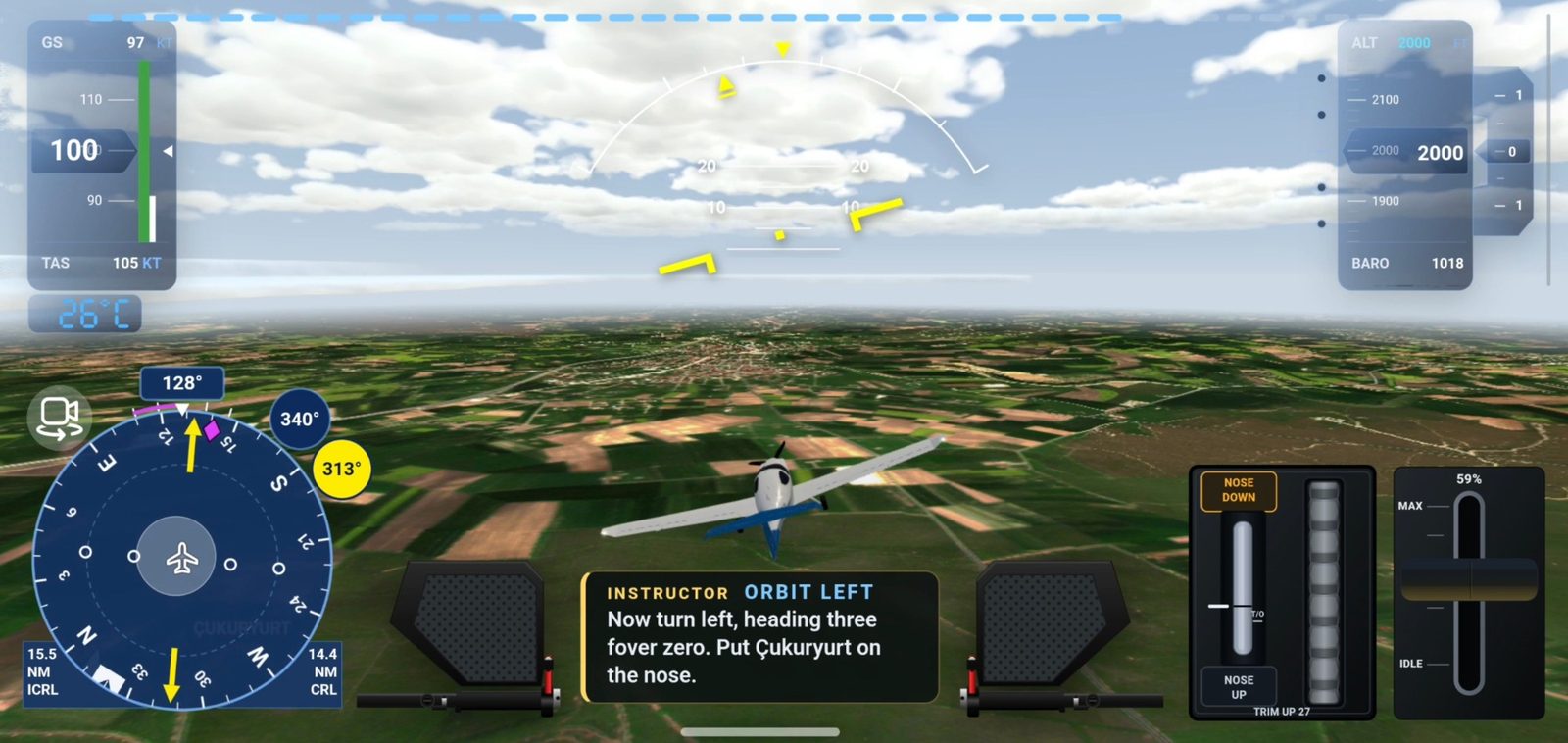
You are never left to work through an exercise without guidance. Your Instructor briefs each exercise, talks you through it and monitors every input you make. Let your speed decay, drift away from your target altitude or miss a step, and the Instructor responds immediately.
When necessary, the Instructor takes control (“I have control”), corrects the aircraft, demonstrates the manoeuvre and then hands control back: “You have control.” Sometimes the Instructor takes control simply to ask you a question in the air, much as a real instructor might test your understanding between manoeuvres.
Interactive Cockpit
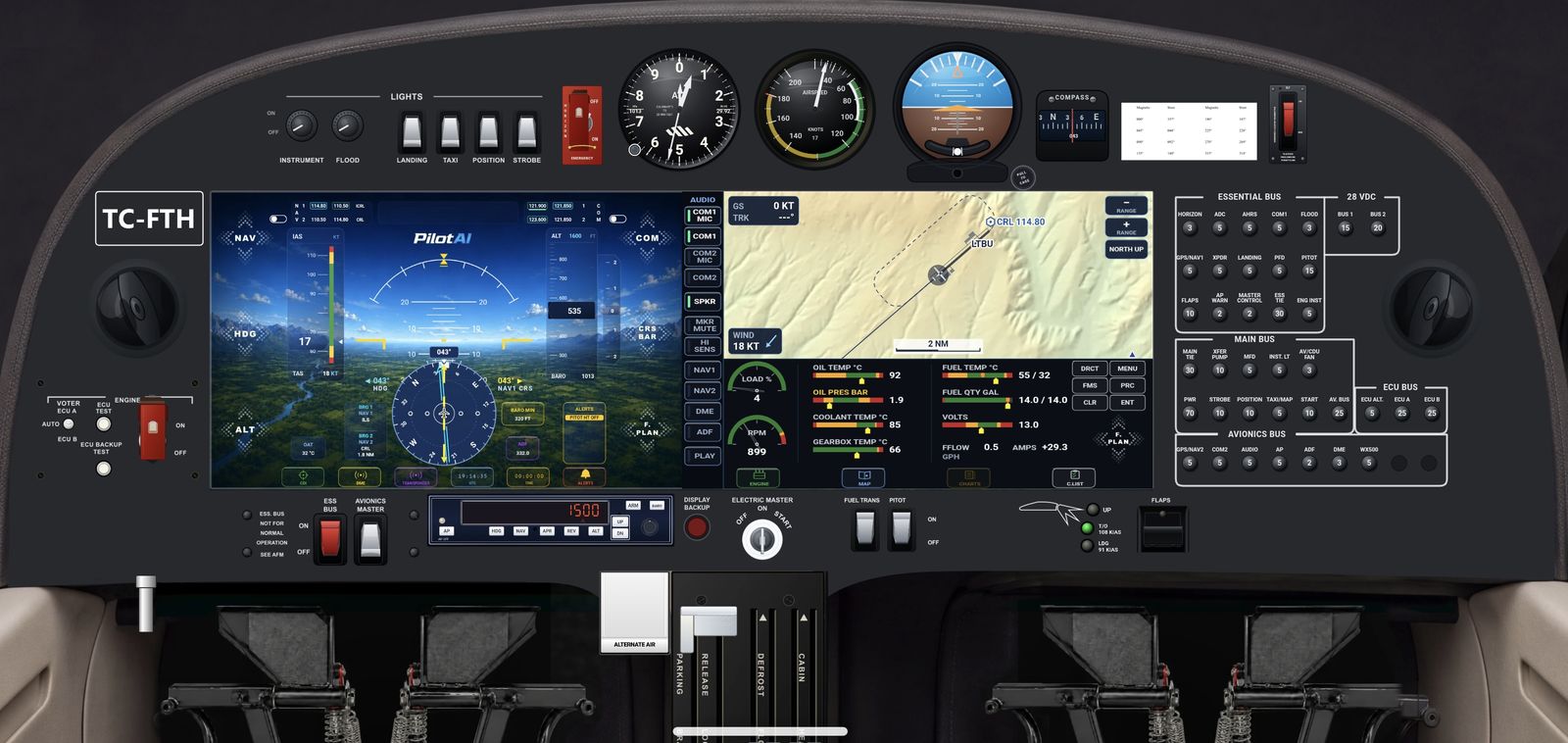
The cockpit checklists
Work through 109 checklist items, from before engine start to securing the aircraft, using your own controls in a functioning glass cockpit: switches, the power lever, trim wheel and brakes. Rather than simply ticking boxes, you operate the controls and see the aircraft respond. Start the diesel engine correctly, monitor the oil pressure as it rises, carry out the engine-computer test, configure the radios and instruments, and complete the before-take-off checks.
Each of the 109 checklist items opens an information card explaining its purpose, what you should see and what it means if the expected indication is absent. Learn why pitot heat is switched on, why fuel transfer matters and why the parking brake is released once the brakes have cooled.
Flight Training
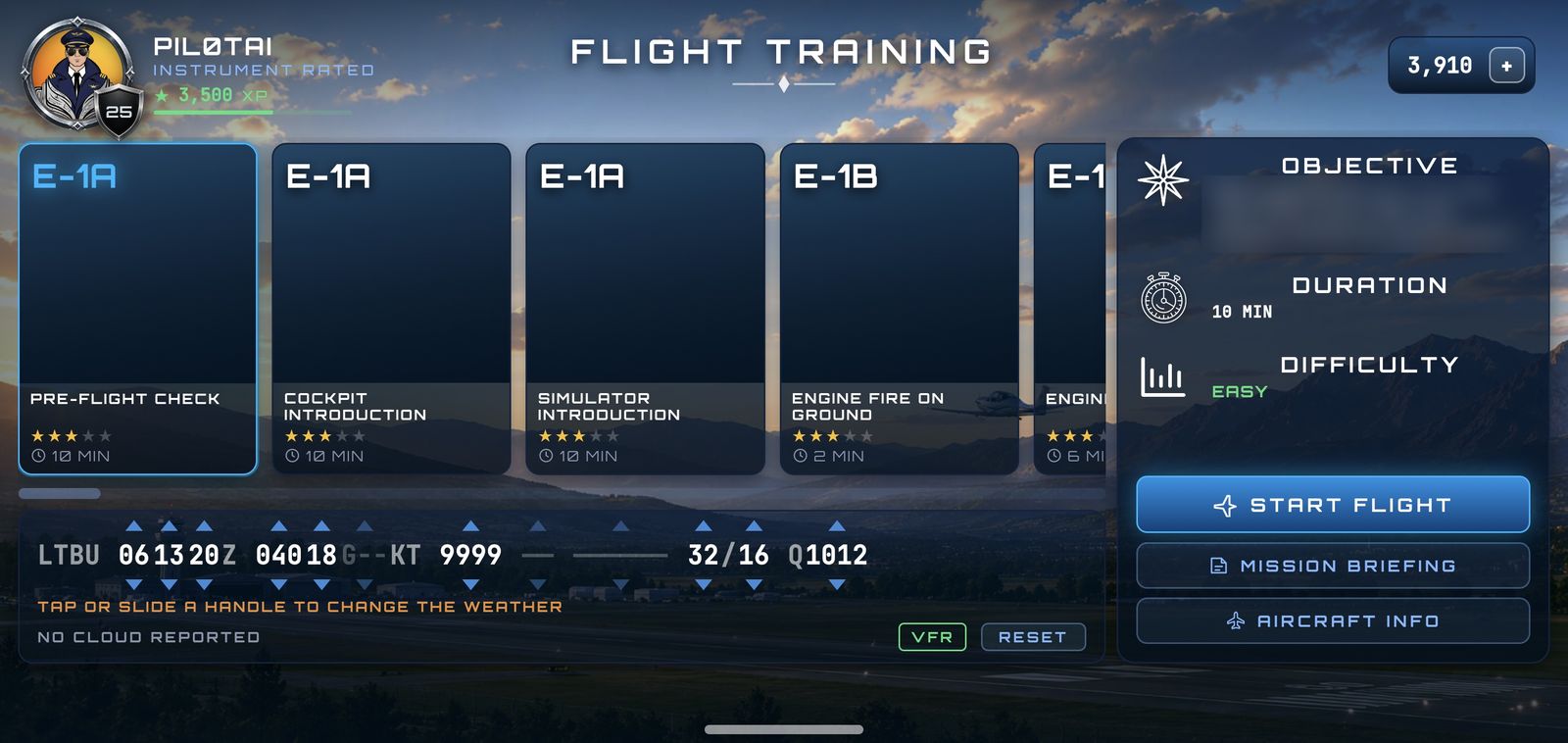
Flying the training sequence
Flight Training follows the PPL flight syllabus, exercise by exercise, at a real training airfield. The game currently includes 30 flyable exercises and drills, with more added in each update.
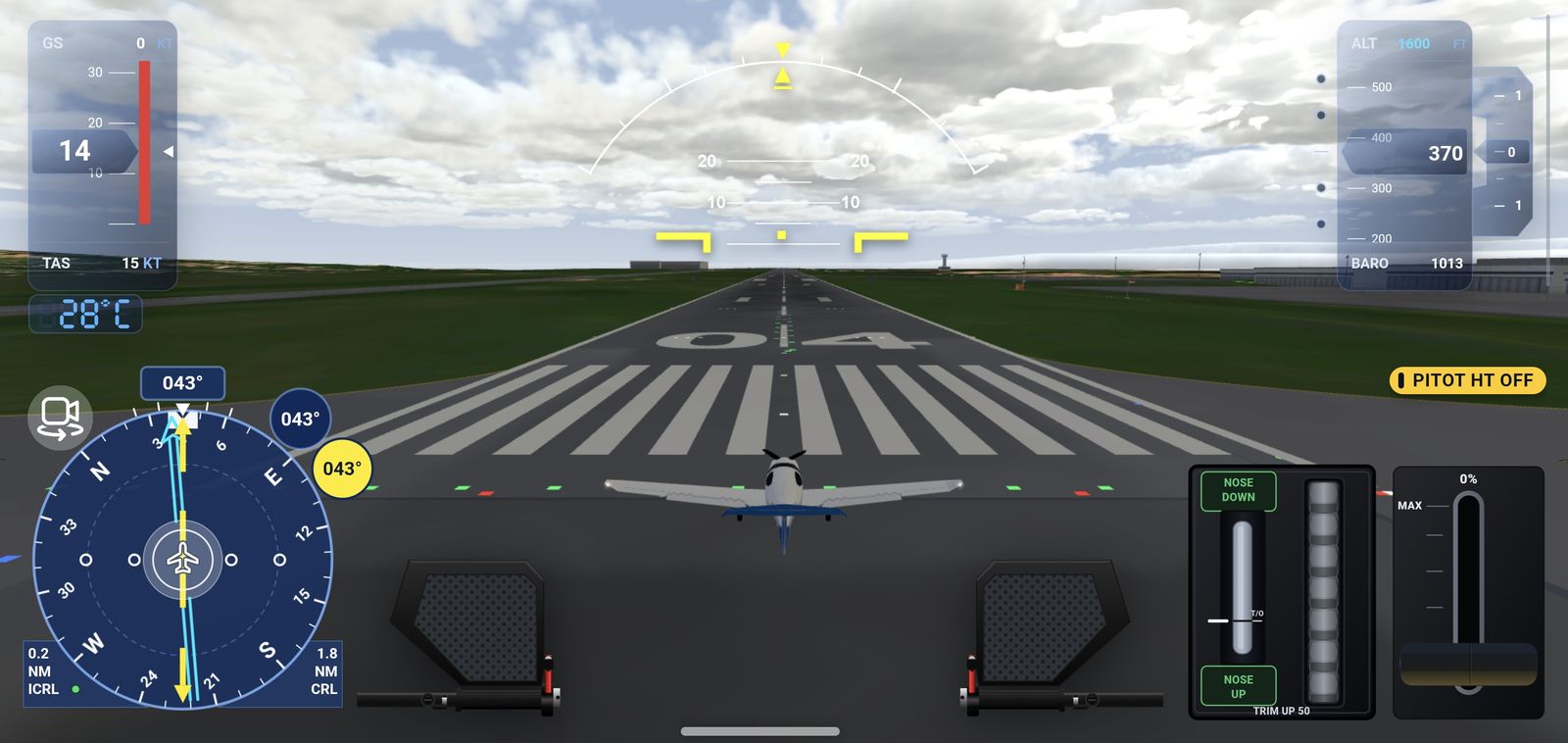
Every flight begins where a real flight does: on the ground, with the aircraft cold and shut down.
- The walk-around. Complete a 42-stop external inspection of the aeroplane, covering tyres and brakes, fuel tanks and drains, the pitot-static probe and stall-warning port, control surfaces and trim tabs, antennas, the propeller, engine intakes and oil. Each stop explains what to inspect and why it matters.
- Taxi, radio and take-off. Obtain your clearances from Ground and Tower, taxi to the holding point, line up and take off.
- The air exercises. Practise the effects of controls, trim, straight-and-level flight, climbs and descents, turns and the circuit. Each exercise is flown to the same standards and target figures your instructor will expect you to meet.
- The way home. Rejoin the circuit, land, vacate the runway, taxi back and shut down.
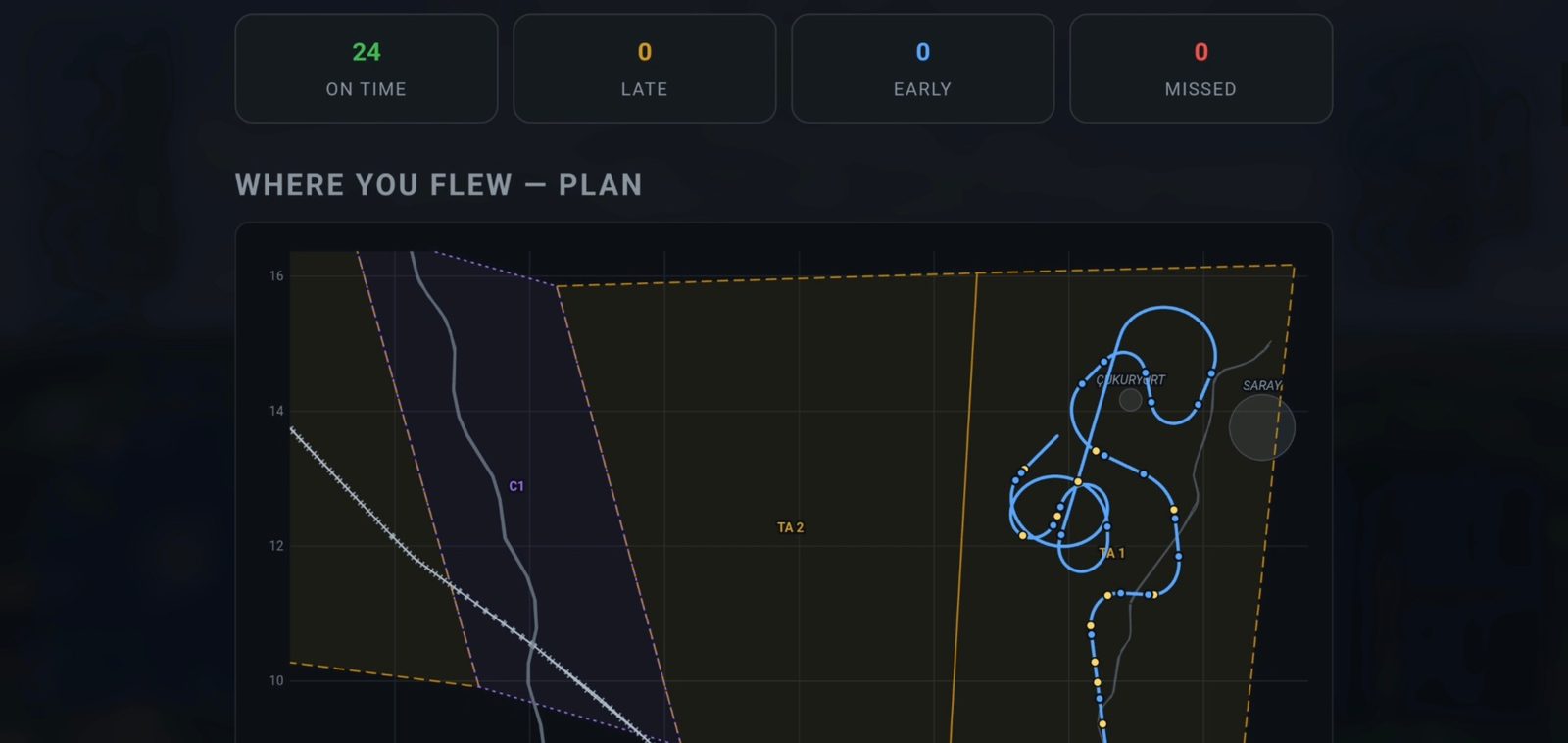
After each flight, the debrief gives you a clear account of your performance: what you did well, what needs work, how your altitude and speed compared with the ideal profile, your power, heading and bank, and every action you took in sequence.
Briefing Room
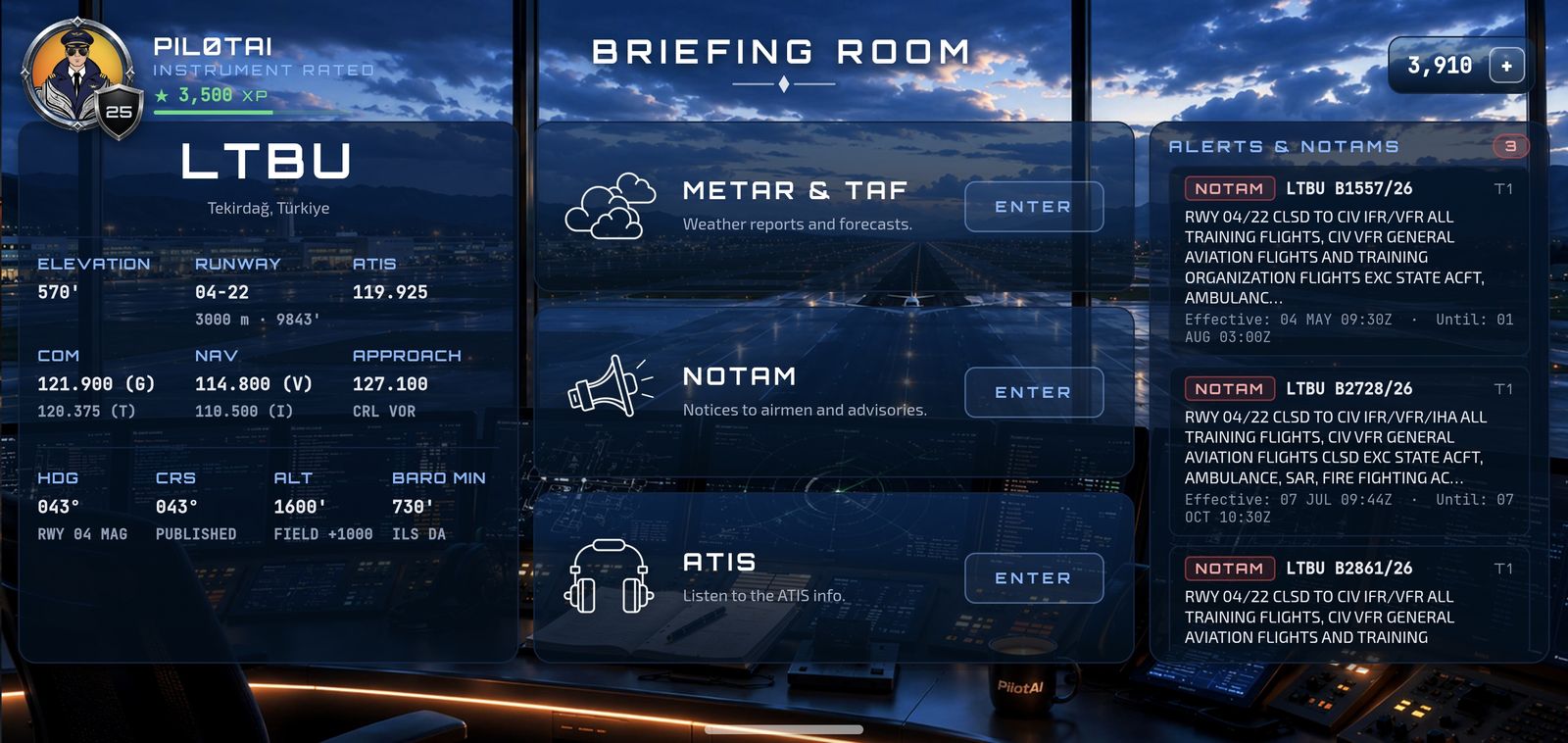
Weather, NOTAMs and ATIS — the real thing
Many students do not encounter a real METAR until they prepare for their first cross-country flight. PilotAI gives you the opportunity to work with thousands of them before then.
The Briefing Room contains 2,940 METARs and 1,128 TAFs recorded at 49 airports around the world, from major international hubs to smaller airfields, in calm weather and in storms. Select an airport, read the original report and decode it one question at a time. More than 32,000 questions are built around these real reports, covering wind and gusts, visibility, weather, cloud and ceiling, trends and changes in forecasts.
The same approach applies to NOTAMs: 649 real notices, each presented for decoding, from the Q-line and location to start and end times, including permanent and estimated notices that can catch students out. There are also 846 ATIS broadcasts built from actual weather reports. They help you identify the runway in use, wind and QNH from a broadcast, just as you would need to do on the frequency. When you encounter an unfamiliar term, the built-in dictionary provides 637 aviation abbreviations across 16 categories.
Ground School
Ground school that sticks
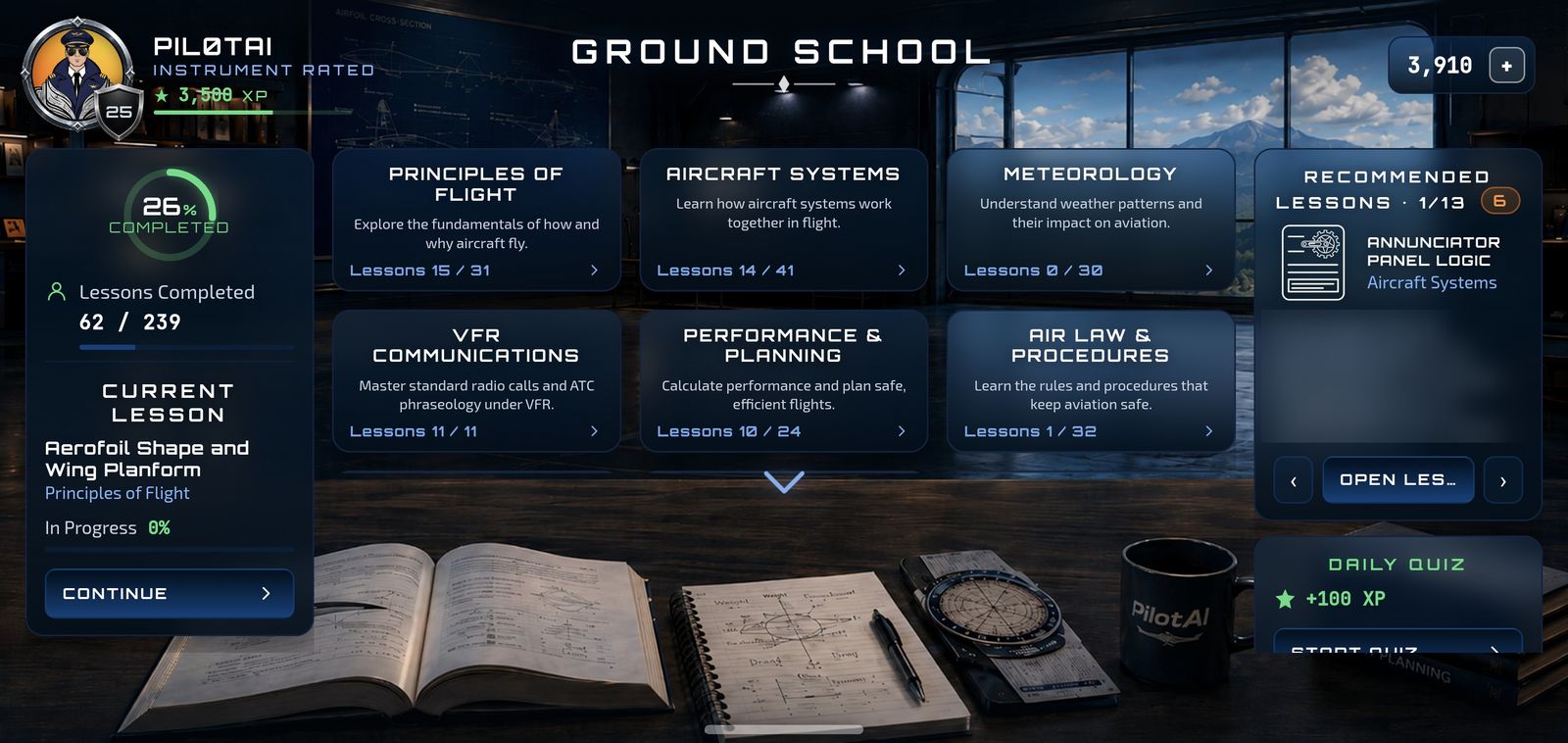
PilotAI offers 239 lessons covering the complete EASA PPL(A) theory syllabus across 10 subjects: Air Law, Meteorology, Navigation, Principles of Flight, Aircraft Systems, Performance & Planning, Human Performance, Communications, Operational Procedures and the aircraft you fly. Each lesson explains why the subject matters, teaches the key ideas in plain language and finishes with the kind of question an examiner may ask.
The questions turn that knowledge into understanding. Every answer, whether correct or incorrect, comes with an explanation. When you get an answer wrong, PilotAI directs you to the relevant lesson so you can understand the principle rather than simply memorise the correct option.
Emergencies
Practise them before you need them
In a real aeroplane, emergency procedures can only be practised a limited number of times and under carefully controlled conditions. In PilotAI, you can practise them every day.
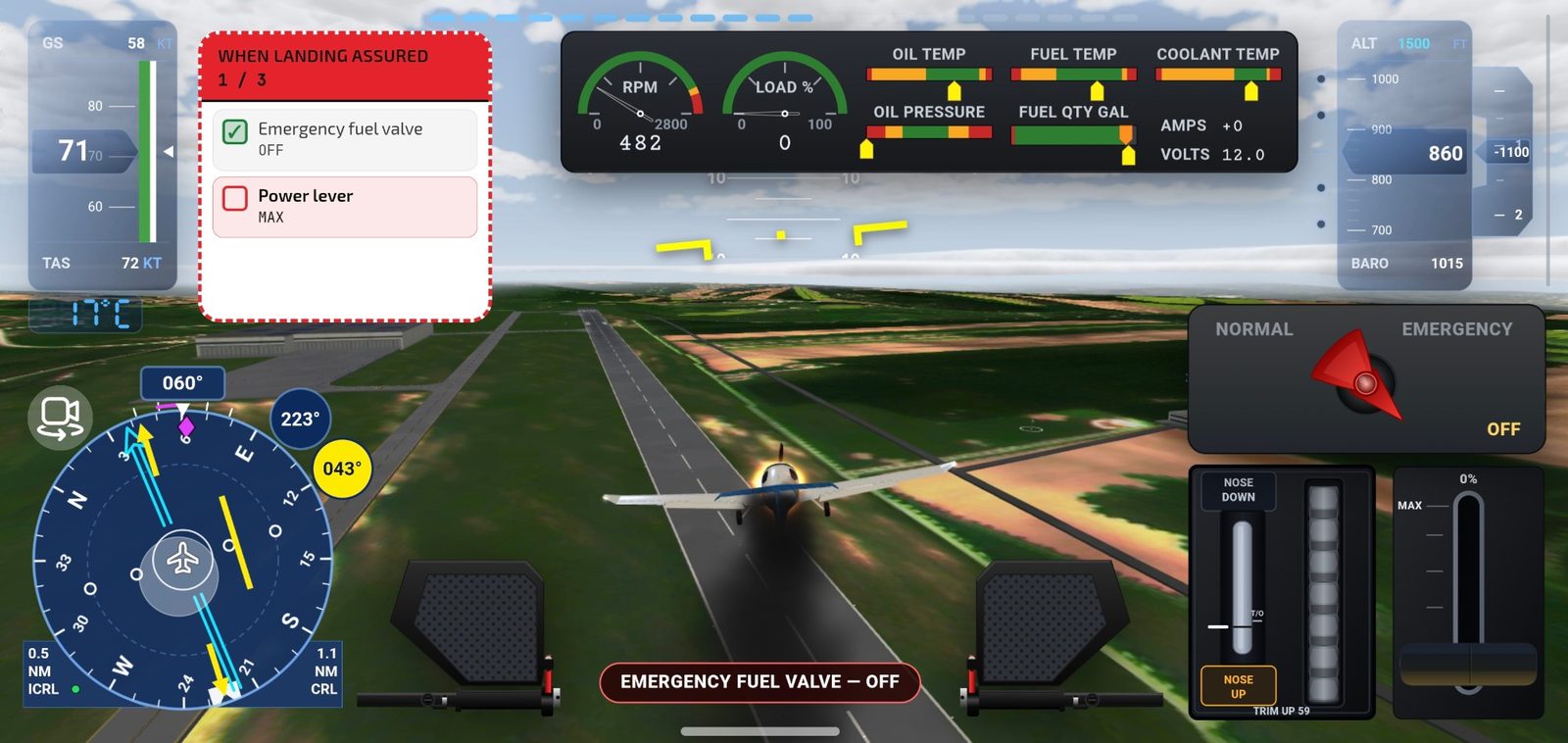
- Fire. Deal with an engine fire during start, an electrical fire with smoke on the ground, smoke or fire during the take-off run, an engine fire in flight and an electrical fire in flight. Each scenario includes the relevant drill, fire extinguisher, exits and evacuation procedures.
- Engine failure. During the take-off roll, reject the take-off and stop. After take-off, land straight ahead. In the circuit, glide back towards the runway.
- System failures. Respond to an alternator failure by reducing electrical load and diverting. Manage an attitude or air-data failure using the standby instruments, pitot heat and alternate static source while flying on partial panel. In a radio failure, squawk 7600, try the second radio and return to the airfield using the tower’s light signals.
Each drill follows the actual checklist in the correct sequence and requires you to carry out the actions yourself, so that the first time you face an emergency in an aeroplane, your hands already know what to do.
Beyond the cockpit, 11 real accident case studies explain what happened, why it happened and what other pilots can learn from each event.
Who it's for
Who it's for
- Student pilots preparing for their PPL theory exams and working through their first flight lessons.
- Future students who want to arrive at flight school already familiar with the cockpit, checklists and language of aviation.
- Licensed pilots who want to keep their procedures, emergency responses and weather-reading skills sharp between flights.
Please note
What PilotAI is not
PilotAI is a study and training aid. It does not replace your flight instructor, is not an approved training device, and cannot be counted as logged flight time. The weather and NOTAMs in the game are recorded real reports provided for training purposes only; they must never be used to plan an actual flight. See our Terms of Service.
Questions? Get in touch.